How to Install Perfect Memory AI
Perfect Memory AI runs on Windows and on macOS. Thedownload pagepicks the right one for the computer you are reading this on.
Windows
There are 2 ways to deploy Perfect Memory AI.
For managed devices (work-issued laptop) Microsoft Store is typically recommended as this is typically allowed by your IT department. Simply visit the store page and click Install.
Alternatively, you can download the Setup file and install it by executing the Setup. This allows you to install Perfect Memory AI on devices that do not have access to the internet.
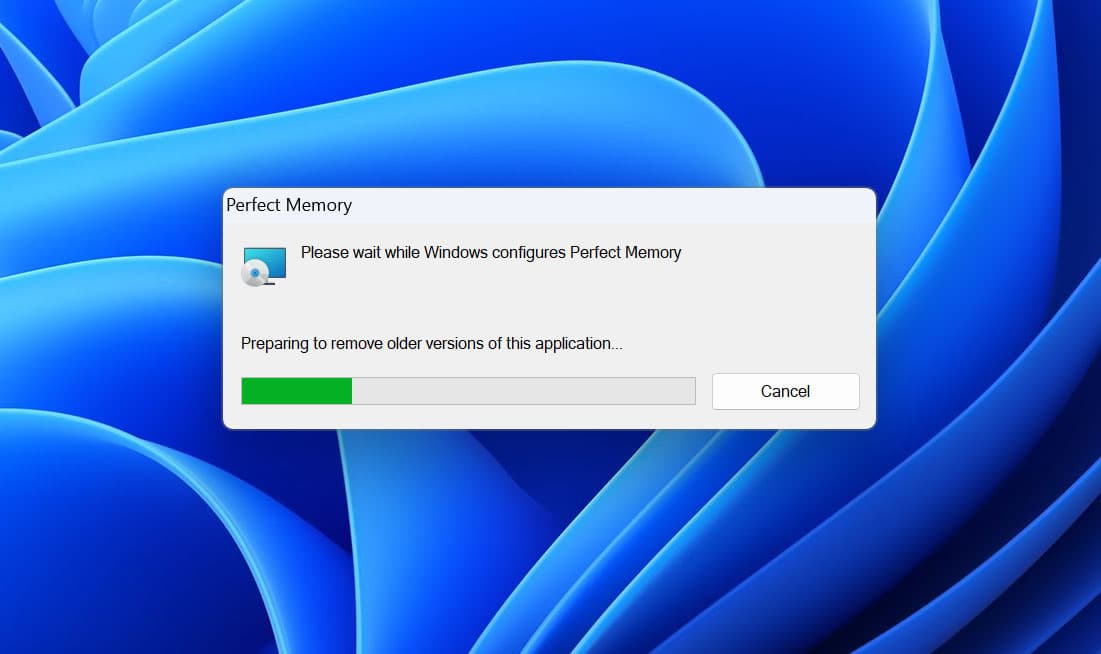
During installation you'll see deployment progress. Soon after it'll be replaced by a Quick Start welcome screen.
After the Setup Perfect memory will run in your tray bar (That's the icons in the bottom right of your screen. Next to the time and date). Indexing your screen on a background. And when you inevitably get to the situation where you can't find that conversation message or that presentation slide. You can click the application and search for any text that appears on your screen.
macOS
The Mac app is a single disk image. It needs macOS 14 (Sonoma) or later on an Apple silicon Mac — that is any M1 or newer.
- Download the DMG and open it.
- Drag Perfect Memory onto the Applications shortcut in the disk image window. Copying it anywhere else can make macOS run it from a read-only quarantine, and updates will fail later on.
- Launch it from Applications. The build is signed with an Apple Developer ID and notarized by Apple, so it opens without a security warning.
- Perfect Memory lives in the menu bar at the top of the screen, not in the Dock. Click the icon and choose Open Perfect Memory for the main window.
- Grant the permissions the welcome screen asks for. Screen Recording is the one that matters most — without it nothing is captured at all. Microphone is needed for meeting transcripts, and macOS asks separately for each browser whose page addresses you want recorded. You can review all of them later in Settings → Permissions.
The Mac app keeps itself up to date: it checks on its own, and Check for Updates… in the menu bar checks on demand. Updates are signed and delivered straight to the app, so you only ever download the DMG once.